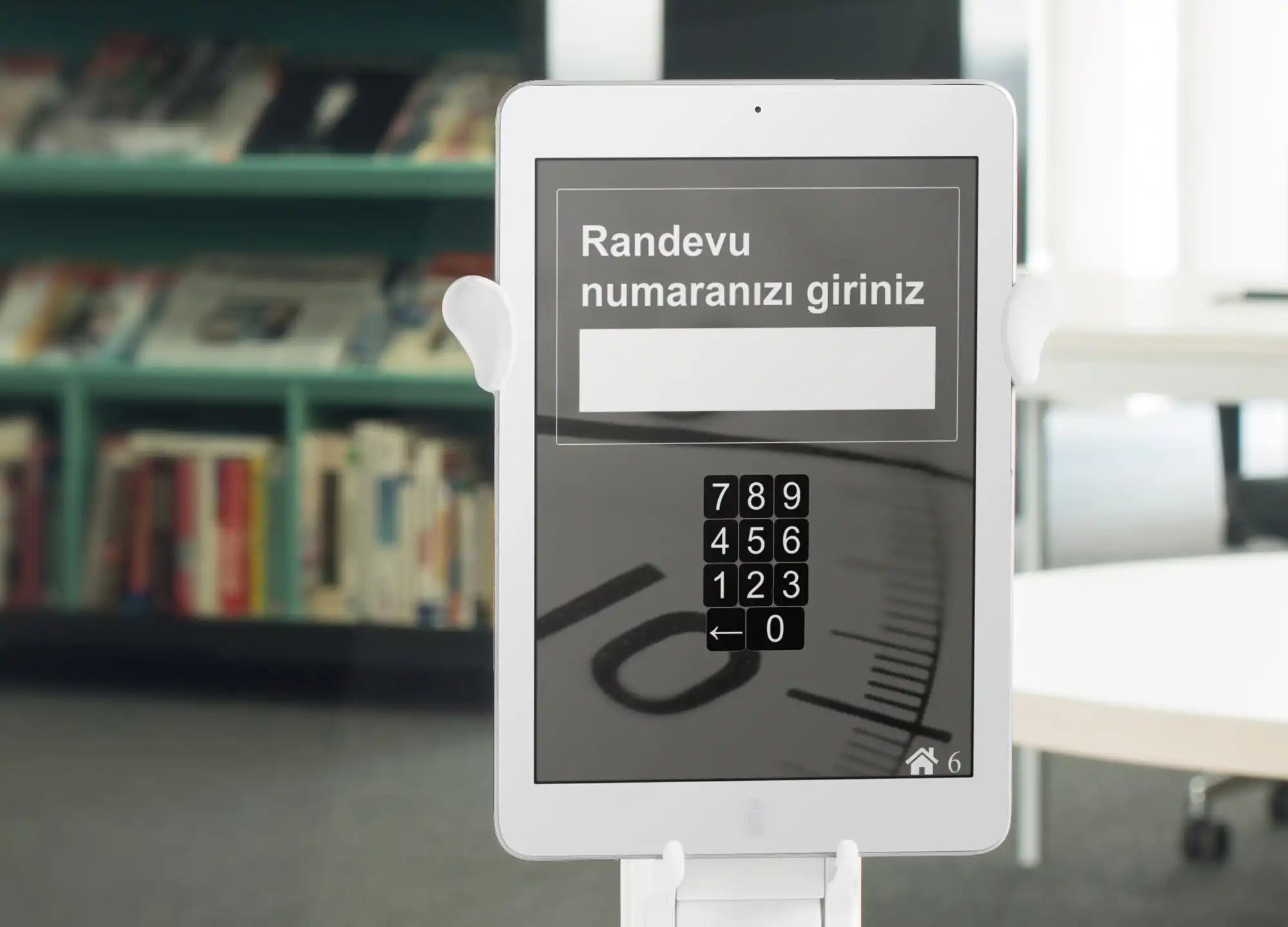



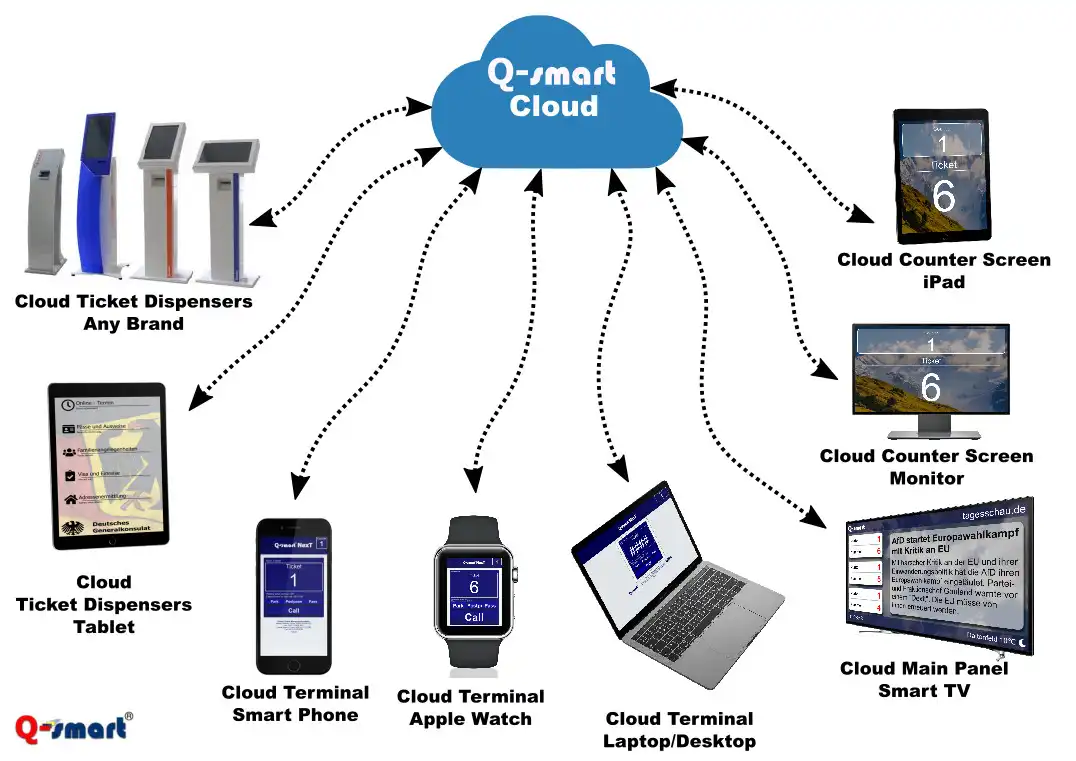
Cloud queue management system
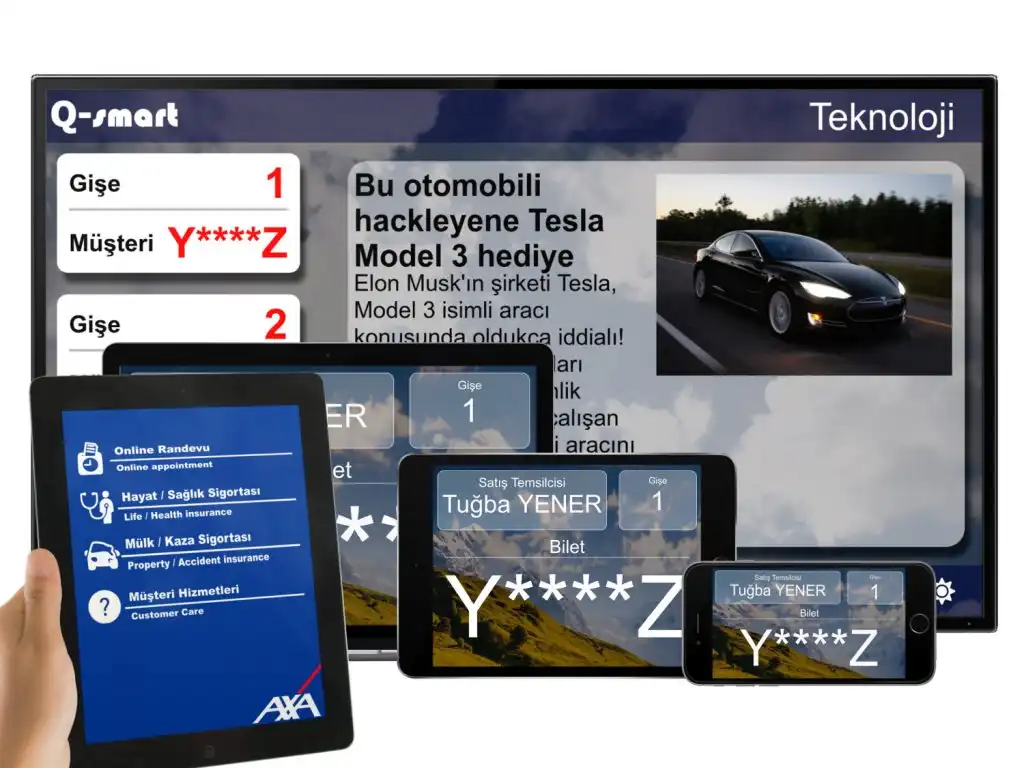
The world is evolving, your business is evolving, why keep your queue system stable?
With the brand-independent next-generation queuing system, you can buy the equipment you want, add it to your system, and expand your system whenever you want, according to your needs.
Buy any Tablet and Smart TV from your nearest electronics store and start using your queue system in seconds.
If you have a queuing system, open a Cloud Queuing System account and navigate the clouds without any dependencies.
How does this work?
Q-smart Cloud, which has all the features of the Q-smart queue management system, works on accounts specially opened for you on powerful Q-smart servers running on the Internet or local network with advanced security measures.
Your Q-smart Cloud account is created within seconds of registration. With your cloud account, you can access your ticket machine, checkout/room screen, or main routing screen URLs. With these URLs, you can instantly turn your Android tablet, iPad or PC into ticket machines, checkout/room displays, main route displays or call terminals.

Cloud Ticket Machine
You can use any Android Tablet or iPad as a ticket machine for the queuing system, or you can use the touch kiosk of your old queuing system as a new cloud queuing system without brand dependency.
Instead of printing tickets with your customers’ mobile phone numbers, you can send their ticket number via SMS and call them when it’s their turn.
In addition to the SMS option for ticketless use, you can call your customers by name without a ticket number, asking them to enter their name.
Use without a ticket
You can distribute queue numbers to your customers as in traditional queue management systems, or enter them into the queue management system with customer information such as SMS or name, tax number, surname.
After choosing the service they want to buy on the screen, your customers can enter their name, surname, nickname, license plate or tax number on the screen and enter the queue without the need to print a physical ticket. they are called to perform their operations by following this information on the main screens and cash register screens.


Custom design, localization
You can customize the customer ticket interface as you like. You can add different language options and shape the background, button images, service names, icons, sizes, layout and views for each screen according to your corporate needs.
In addition to the background image or color options, you can use a video and change all the fonts, sizes and colors used in the foreground.
You can design language screens for different languages and direct your customers who are queued according to their language preferences to your employees who speak that language.
Cloud routing screens
You can turn any brand of Smart TV, Android TV Box, Apple TV, Amazon TV Stick or computer, in short, any product with an internet browser into the main route screen of the queue management system.
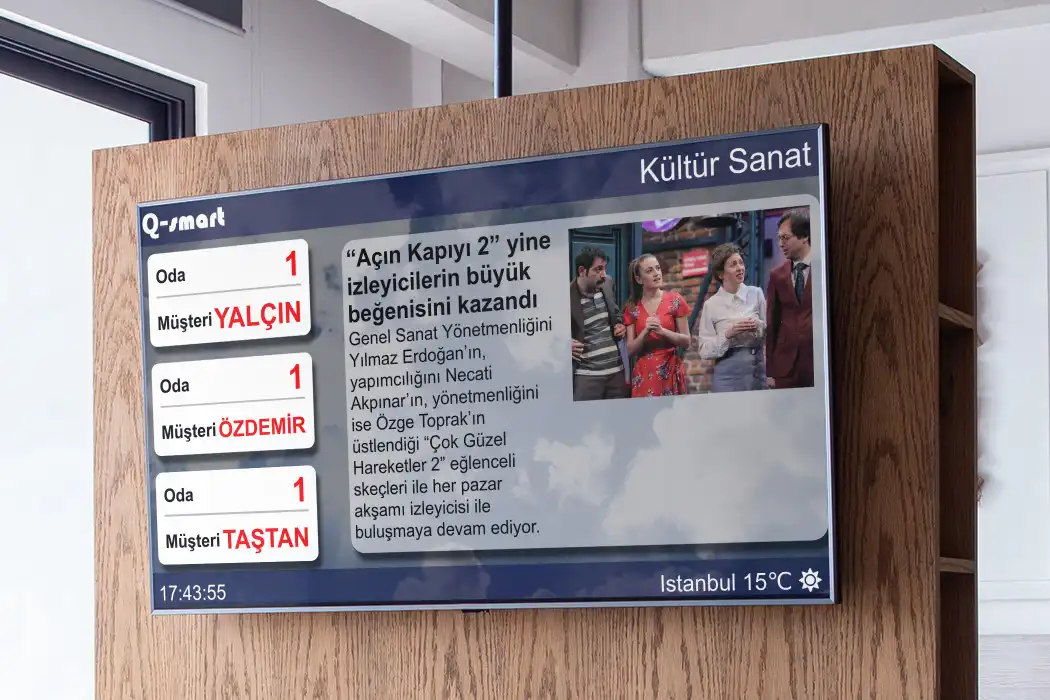
You can view the ticket number as in traditional queue management systems or display your customers’ first name, last name, nickname, license plate or tax number on the screens.

Responsive design
Regardless of whether you use a Smart TV, Android tablet or iPad, thanks to its responsive design, your screen automatically adapts to the equipment you use, and there is no need to make additional settings. So it can be freely used in all products with internet browser without any brand dependency.
Landscape or Portrait orientation-aware design automatically positions content based on your device’s position. Regardless of the resolution of the equipment it works with, regardless of VGA or Ultra HD, it gets an optimal image.
Live RSS services, Weather
The main screen of the cloud queue management system comes with built-in RSS and weather services.
Live news: Copy, paste and save any URL from any RSS provider with customizable RSS services. The system automatically logs into your provider, selects news from sources and immediately starts viewing it.
Weather, language and location: The home screen receives location information as soon as it connects to your cloud server. With the obtained location information, it prepares spoken language, weather, location information and broadcasts it on the screen according to your request.


Cloud desk, cash register, room screens
Turns any device (tablet, PC, Apple TV) into a frame screen with an Internet browser.
With a standard iPad or Android tablet, you can connect your monitor to your computer’s secondary monitor output and use it from your customer representative’s desk, on the door or wall, on your Smart TV or Apple TV, in short. , you can use any device as a frame screen at any time.
Regardless of the hardware used, thanks to its responsive design, it detects the device’s resolution and screen position, automatically optimizes its content and leaves you with nothing.
Personalization
You can customize the checkout screen as you like. Identity information, position, ticket number text and size, ticket number text and size, fonts, colors, sizes, formats, background image can be selected as color, image or video.
As with traditional queuing systems, in addition to being able to display the number of the ticket being called, it is also possible to call people in the queue using information such as the name of the person being called, last name, tax number.
When calling for the next ticket, the use of a voice alert tone can be selected, and the tone to be used can be used as a sound file of your choice.

Cloud Call Terminals
The cloud queue system comes with a built-in Cloud Terminal to call your queue customers.
The cloud call terminal runs on a cloud server and is compatible with all web browsers. Simply open the web browser of your smartwatch, smartphone, tablet or computer and enter your account URL. Sensitively designed for different devices and screens, the system automatically adapts according to the connected device, from a smartwatch to a laptop.
The cloud call terminal performs call, transfer, delay, park and recall functions. In the user interface, it displays the ticket number called, the time taken for the transaction and the number of customers waiting for service.
Sharing, managing online meetings
The cloud queuing system is offered with an Online Appointment Application that enables scheduling and managing appointments from the web.
You can manage appointment times, business hours, appointment business days and customize the web page used to schedule an appointment as you wish.
The Q-smart online meeting system has a user-friendly management interface. It manages your meetings from any mobile or desktop web browser such as Opera, Safari, Chrome or Firefox.